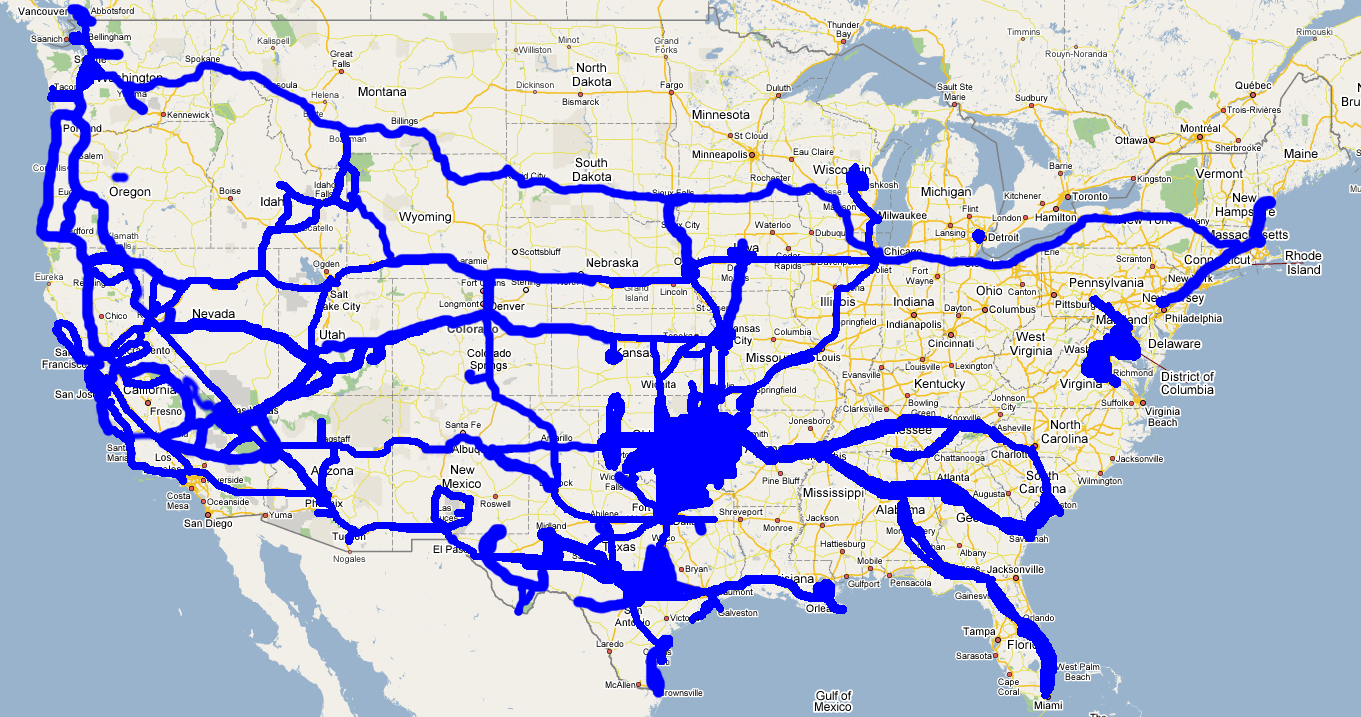
First post of the decade! And to think 10 years ago I was waiting for the digital world to end when 2000 rolled around. Long live 2038!
Fri Jan 1 00:00:28 CST 2010
Jan 1st, 2010 by bwann
Catching up
Dec 28th, 2009 by bwann
When you want to encourage search engines to index your site, don’t forget the robots.txt you wrote in 2002 that says Disallow: /. It kinda doesn’t help. Both Google and Bing have some interesting tools to help manage your search listings. Both will tell you the last time you were crawled, errors found, and other useful stats.
Also, dear lazywebs: I’m looking for a VPS in Asia/Asia Pacific with native IPv6 to add to my borgcube. NTT Singapore claims to have such a service, but they seem very expensive. hosting.ipv6.com claims to have them as well, but nobody has ever replied to my inquiries. I’d almost settle for a server on paintcans at this point.
I hate selinux
Dec 18th, 2009 by bwann
It turns out my problems with IPv6-only Net-SNMP wasn’t a problem with snmpd, it was a problem with selinux. After starting with -Dread_config -c /etc/snmp/snmpd.conf it became apparent:
snmpd[9026]: registered debug token read_config, 1
snmpd[9028]: /etc/snmp/snmpd.conf: Permission denied
snmpd[9028]: /etc/snmp/snmpd.conf: Permission denied
snmpd[9028]: Warning: no access control information configured.   It's unlikely this
agent can serve any useful purpose in this state.   Run "snmpconf -g basic_setup" to
help you configure the snmpd.conf file for this agent.
snmpd[9028]: NET-SNMP version 5.3.2.2
Sure enough, selinux was on without me realizing it:
[root@nicky root]# /usr/sbin/getenforce
Enforcing
Copying over my own snmpd.conf had fouled up the security context:
[root@nicky snmp]# ls -lZ
-rw-r--r--  root root user_u:object_r:user_home_t      snmpd.conf
-rw-r--r--  root root system_u:object_r:etc_t          snmpd.conf.orig
[root@nicky snmp]# chcon -u system_u -t etc_t snmpd.conf
[root@nicky snmp]# ls -lZ
-rw-r--r--  root root system_u:object_r:etc_t          snmpd.conf
-rw-r--r--  root root system_u:object_r:etc_t          snmpd.conf.orig
[root@nicky snmp]#
Now everything is all happy:
[bwann@raptor ~]$ snmpget -v 2c -c community udp6:nicky sysName.0
SNMPv2-MIB::sysName.0 = STRING: nicky.wann.net
Protip: you can also make Cacti use IPv6/UDP requests. Preface your system hostname with udp6: in the device configuration section.
Alternator replacement
Dec 13th, 2009 by bwann
 After 170,000 miles the alternator in the truck finally decided to go south. At low (300-400) RPM after coming to a stop, the ammeter would start to droop and the engine would die. I’d have to keep my foot on the gas to keep RPM up. Otherwise while driving and idling it was fine. Fortunately I replaced it before it stranded me somewhere.
I suspect it’s been dying for a while. Last summer I noticed I’d have a weak idle with similar symptoms whenever sitting at a light and the A/C compressor would kick on.
I went by A-Line and bought a remanufactured AC Delco unit. Swapping it was quick and easy, took less than an hour to do. Which was good, because it was 36 F outside.
 I finally got around to joining 2002 by using a CMS. For the past eight years I’ve been using a text editor to maintain this site. The goal is to make the content more accessible and see what happens to search engine rankings.
A website with in-line images, comments, RSS feeds! It’s gonna be big! This is the future of interwebs!
Bringing aeris back to life
Dec 8th, 2009 by bwann
Dusting off old hardware frozen in time:
Mar 5 07:23:33 aeris shutdown[26974]: shutting down for system halt
Airport Extreme IPv6 firewall
Dec 8th, 2009 by bwann
I just discovered a horribly annoying problem with the IPv6 firewall in the Airport Extreme. It doesn’t operate as “let these addresses have access to devices on the home network” (the source). It operates as “let the world access X service on this IPv6 address on my home network” (the destination). After beating my head on why I couldn’t ssh to my closetserver, I carefully re-read the Extreme’s setup dialog to realize this gem. The other half to this, if my external IPv4 address ever changes, I have to go re-edit my IPv6 firewall rules to account for the new 6to4 address.
I also discovered the holy grail, a Rolling Stone shoot that has Blake Lively and Leighton Meester together. This soothes the Airport anger for now.
What’s missing in IPv6 land
Dec 4th, 2009 by bwann
[root@nicky bin]# /sbin/ifconfig -a
eth0      Link encap:Ethernet  HWaddr 00:16:3E:69:8E:99
          inet6 addr: fe80::216:3eff:fe69:8e99/64 Scope:Link
          inet6 addr: 2a01:348:0:6:5d59:506a:0:1/64 Scope:Global
          UP BROADCAST RUNNING MULTICAST  MTU:1500  Metric:1
I turned off IPv4 completely on nicky and suddenly realized a few things:
- NTP: There’s no v6 NTP servers in the rhel.pool.ntp.org pools. Wound up using Sixxs.net’s pool.
- CentOS repositories: There’s not many v6 mirrors out there, but enough to successfully run a yum update.
- RPMforge/dag repo: There’s no v6 rpmforge/dag mirrors that I fould find at all.
- snmpd: snmpd hates me. I added the com2sec6 bits to my VACM configuration, and udp6:161 to my snmpd.options file. I know the request is making it because I see a “connection received from” entry in my log file for v6 addresses. Interestingly, the exact same snmpd.conf works on tifa with v6 requests, which still has v4 enabled.
IPv6 connected VPSes
Nov 25th, 2009 by bwann
Being the annoying IPv6 evangelist I am at work (I turned up our first dual-stack and v6 load balanced “hello world” webserver last week), I wanted more viewpoints of native IPv6 connectivity to play with. Turns out there’s only three or four peeps that sell virtual private server (VPS) with native IPv6 connectivity in the 45 seconds of Googling I did. Verio is quite proud of their VPS product, being nearly more expensive than a managed physical server. No idea if Amazon Web Services offer up any v6 VPS, but they seem expensive too if they did.
The internets had good things to say about Goscomb in the UK. I figure if I’m getting one to play with v6 connectivity, get something that’s not in the US. Their VPS is only £10/month, which is reasonable. Within 18 hours of filling out their web form, my CentOS VPS was released to me after settling the bill. Interestingly my IPv6 address is just my IPv4 address mapped into a /64, which gives me ideas. Uninterestingly, the IPv6 world is pretty small. Traceroute6 between nicky and tifa is only eight hops, all of which is over Hurricane Electric’s network. Those guys are everywhere!
Speaking of, I’ve passed Hurricane Electric’s “Sage” level IPv6 certification. I highly recommend it. Watch out for RFC 4291, the difference between “mapped IPv4” and “IPv6 compatible IPv4” is a tricky one. I should totally put the Sage badge on my resume, next to the “persuing CCIE written” bulletpoint.
Hurr durr web progress meter
Nov 24th, 2009 by bwann
It’s the small victories that make life interesting. I’ve been writing a couple of web tools at work that run off to do a bunch of SNMP polling of a device and display the results. On big devices, particularly overseas, this can take several seconds to finish. In the meantime the browser throbber is throbbing away in front of the user. I can use Mason’s $m->flush_buffer to flush output as I go, but I wanted a solid indicator as to when all the heavy lifting was finished.
I found this on Adrian Ber’s blog that demonstrates a simple CSS+javascript progress bar. While neat, it wasn’t immediately obvious to me how I could push progress counters from my web app to the Javascript to manipulate the div tags since I’m not a web app pro. There were other pure CSS examples out there, but they depended on absolute positioning on a page. This easily gets in the way when layout changes or text is added/removed. I also didn’t want to do client-side polling because that artificially increases overall render time, nor does the client know how many rows are coming. Then it finally dawned on me I could call <script>setPercent();<script> in my page output between groups of table rows.
Using Ber’s CSS, a quick example in Mason looks like:
% for ( my $i = 0; $i <= 100; $i+=5 ) {
<script>setPercent(<% $i %>);</script>
%  $m->flush_buffer;
%  sleep 1;
% }
The end result is here: the hurr durr meter. If you want really fancy Apple-style progress bars, throw in an animated .gif from ajaxload.info and you get: this.